
App Builder
App Builder Tool Stack
Rapid Application Development for WordPress
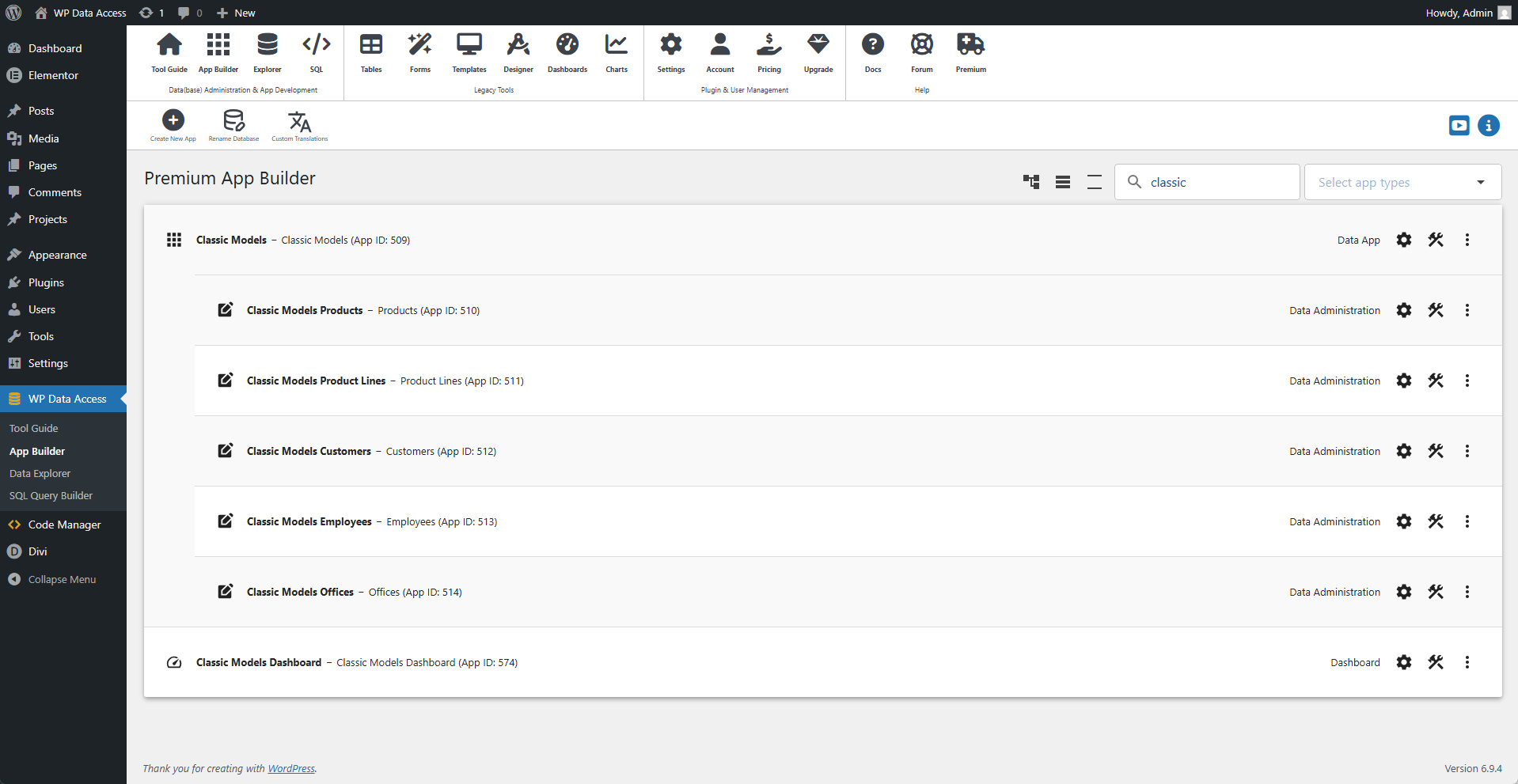
App Builder
The App Builder is the heart of the Rapid Application Development (RAD) process. It’s where you manage, run, and build your apps interactively.
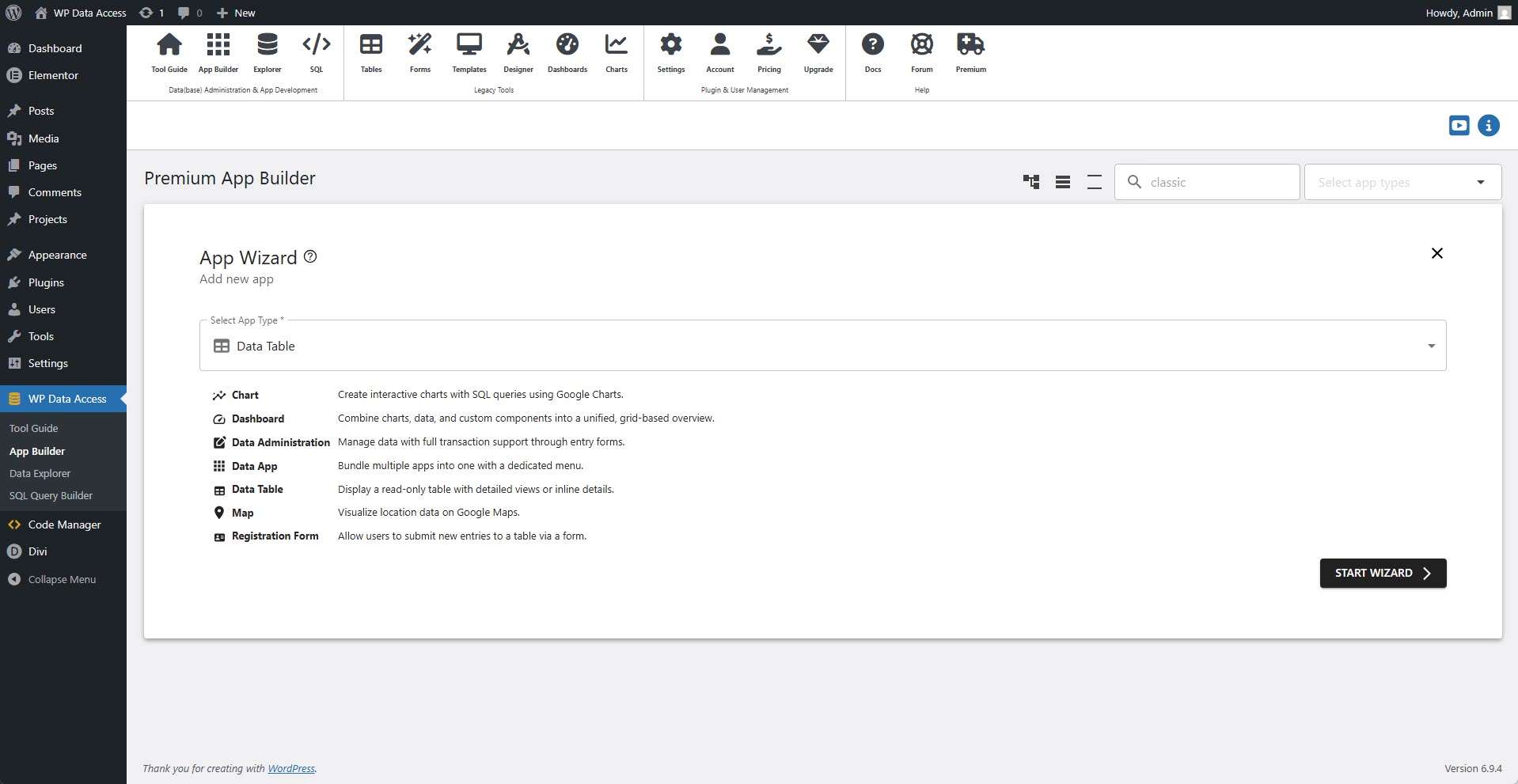
App Wizard
The App Wizard lets you choose the app type and configure details such as language and authorization settings. Settings can be modified in the App Manager.
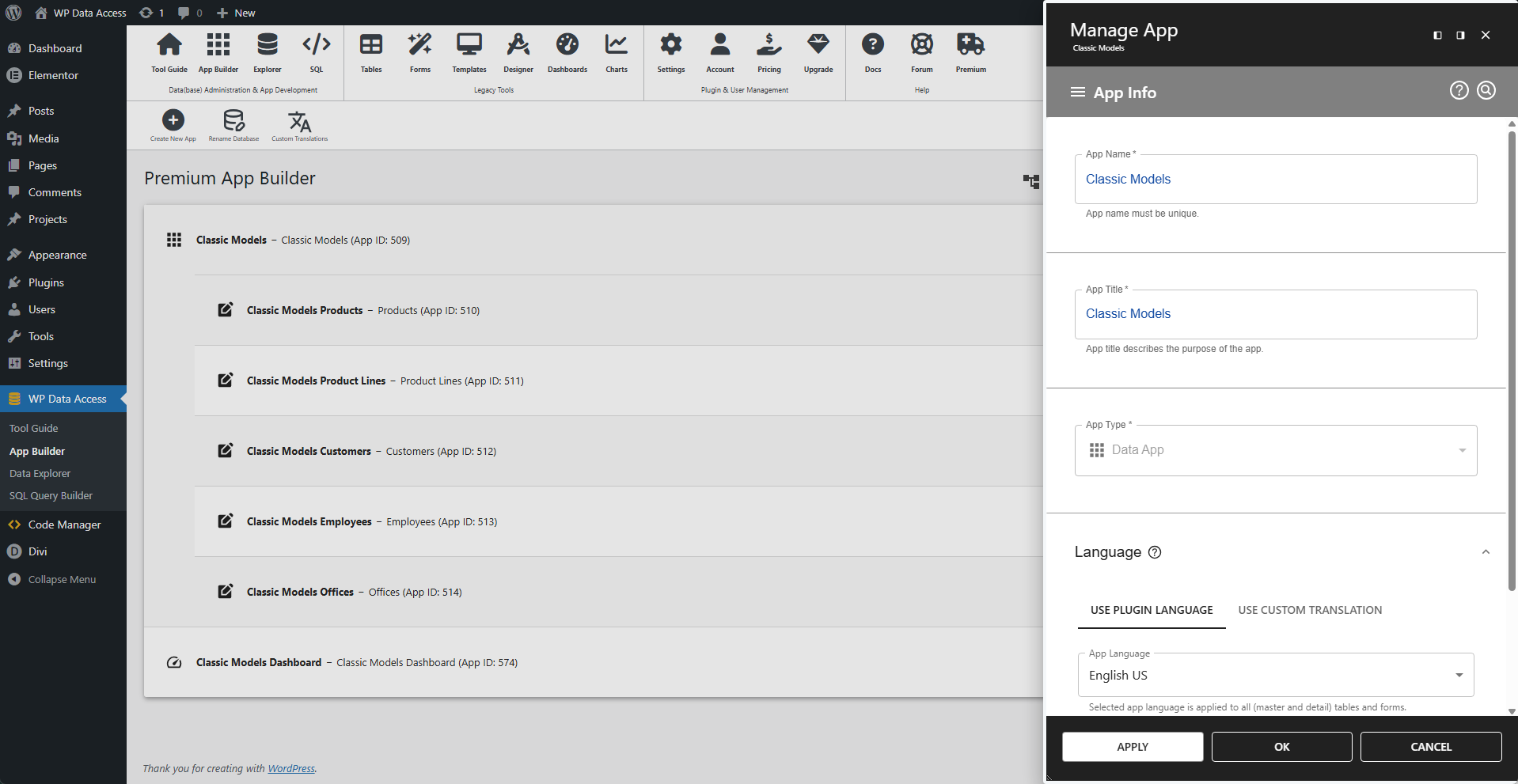
App Manager
The App Manager configures root-level settings such as language and authorization. These options are not available within the builders.
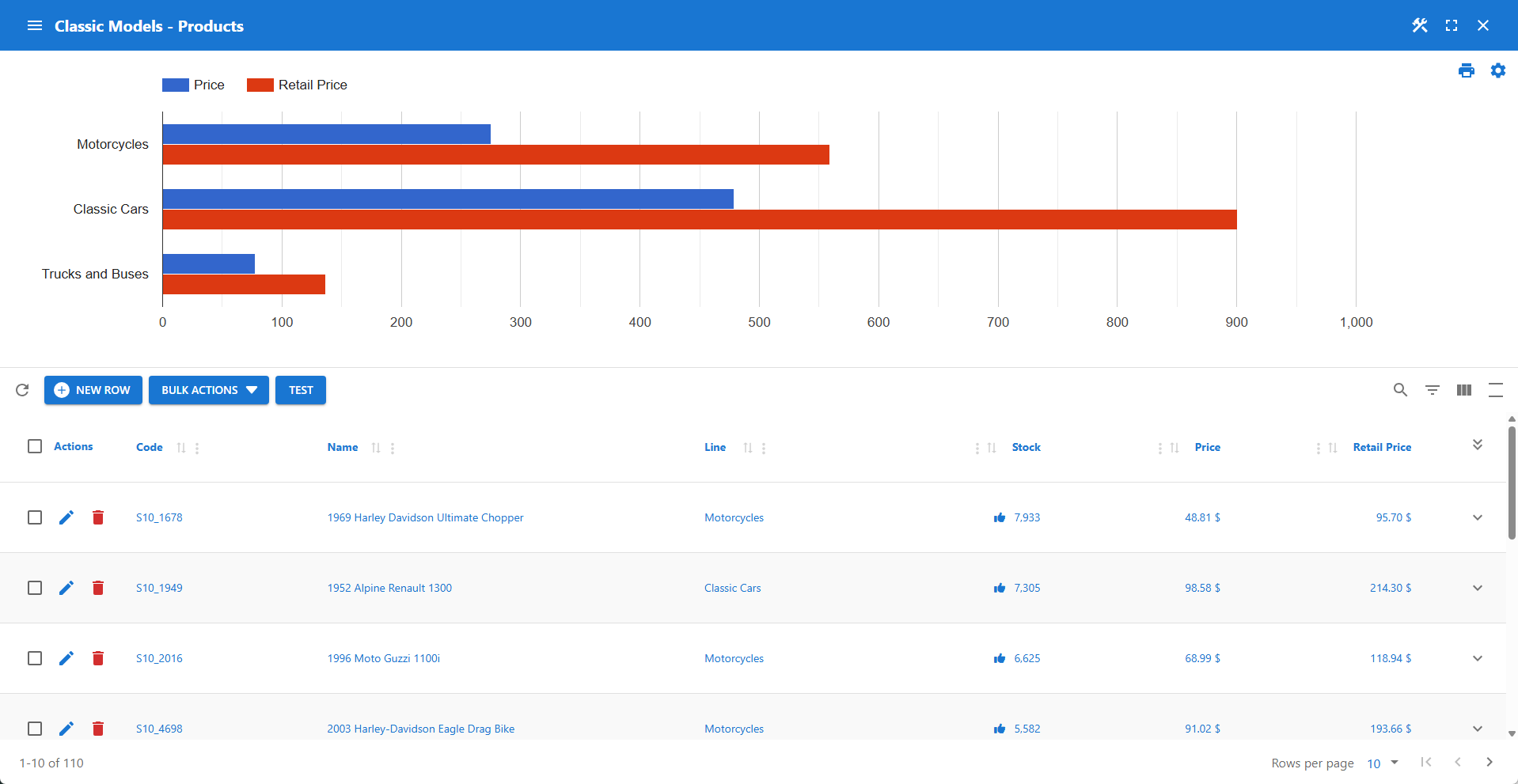
Table Builder
Create powerful interactive data tables with static and dynamic filtering, real-time computed fields, and aggregations for instant insights. Manage all your media effortlessly with full access to the WordPress library.
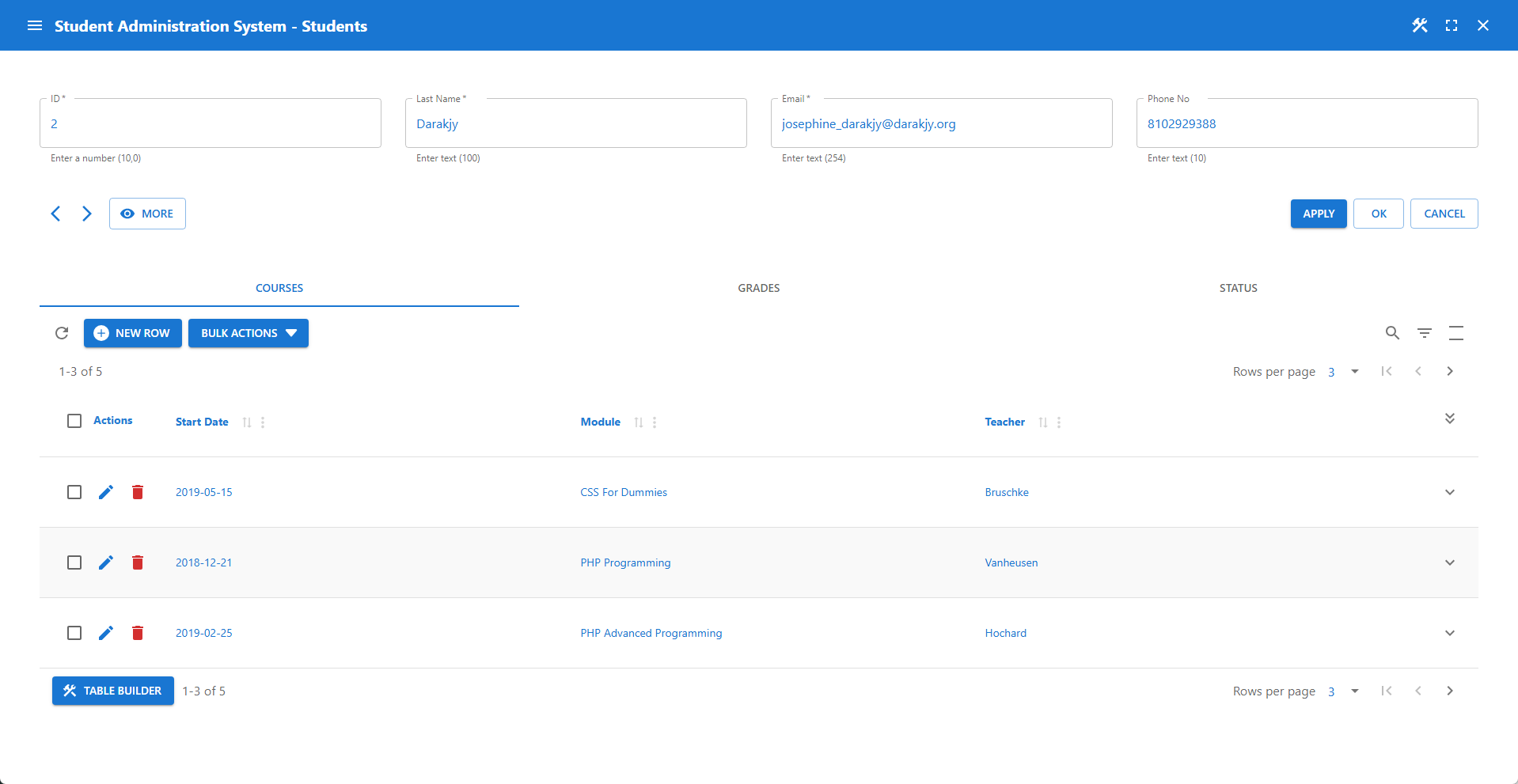
Form Builder
Design complex forms with a grid-based layout. Manage multi-level data structures with built-in master-detail relationships. Use powerful developer hooks to customize business logic, validations, and layout behavior.
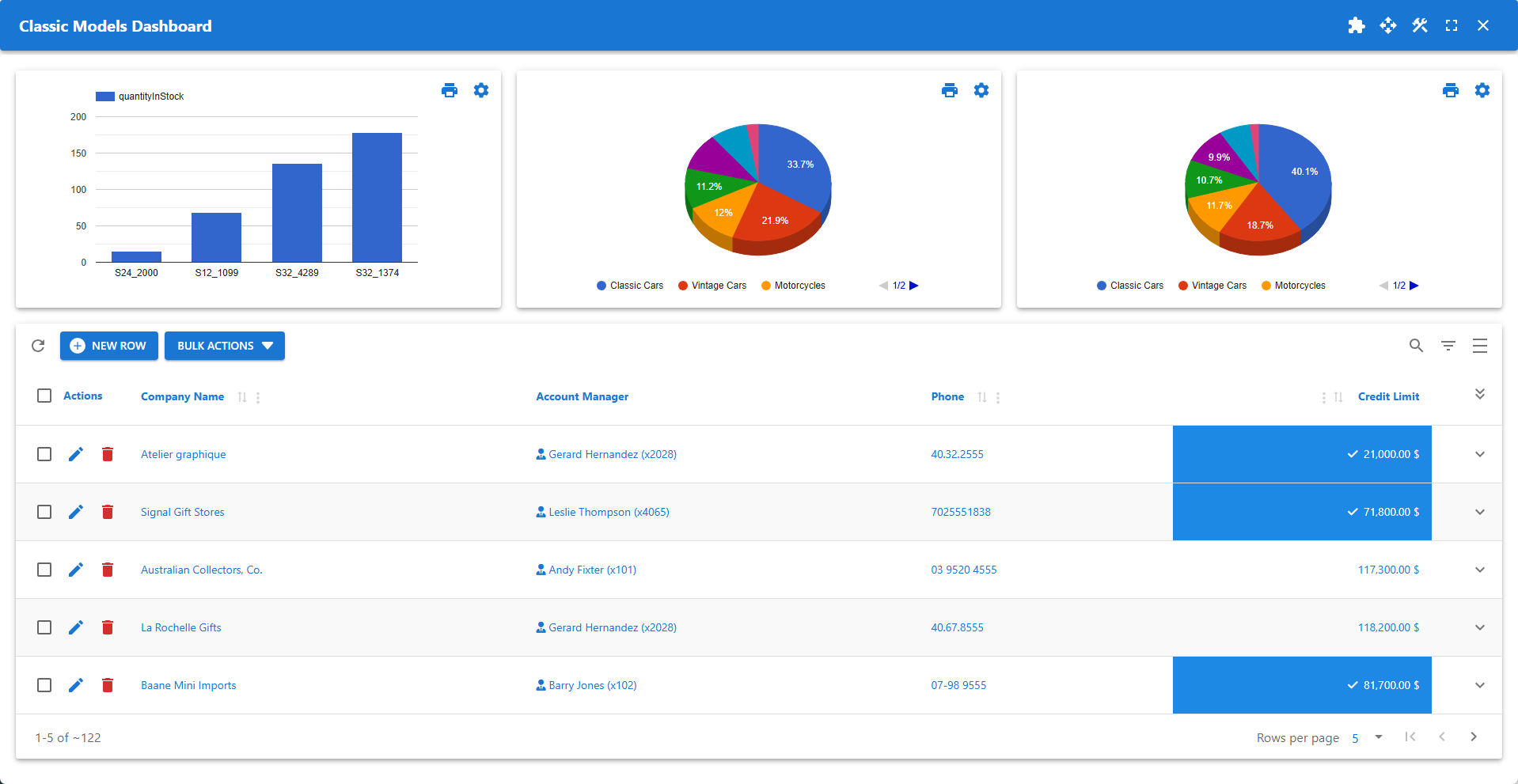
Dashboard Builder
Bring your key data to a central, customizable hub. Mix dynamic, real-time data with static information on flexible, draggable widgets. Tailor dashboards and widgets for any screen or purpose.
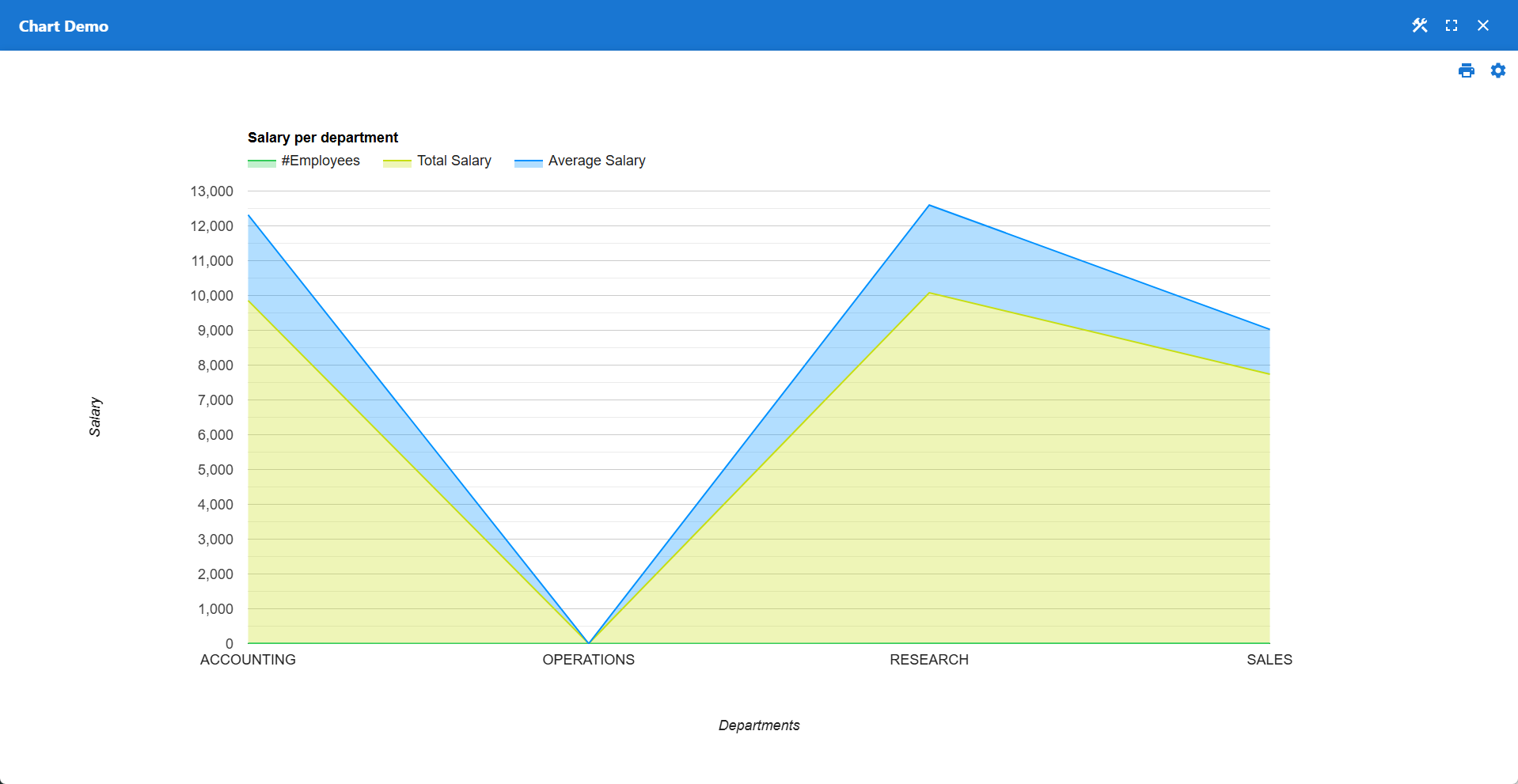
Chart Builder
Turn queries into clear, visual insights. Leverage Google Charts integration to build interactive visuals directly from SQL. Give users control with adjustable configurations, plus built-in support for printing and exporting.
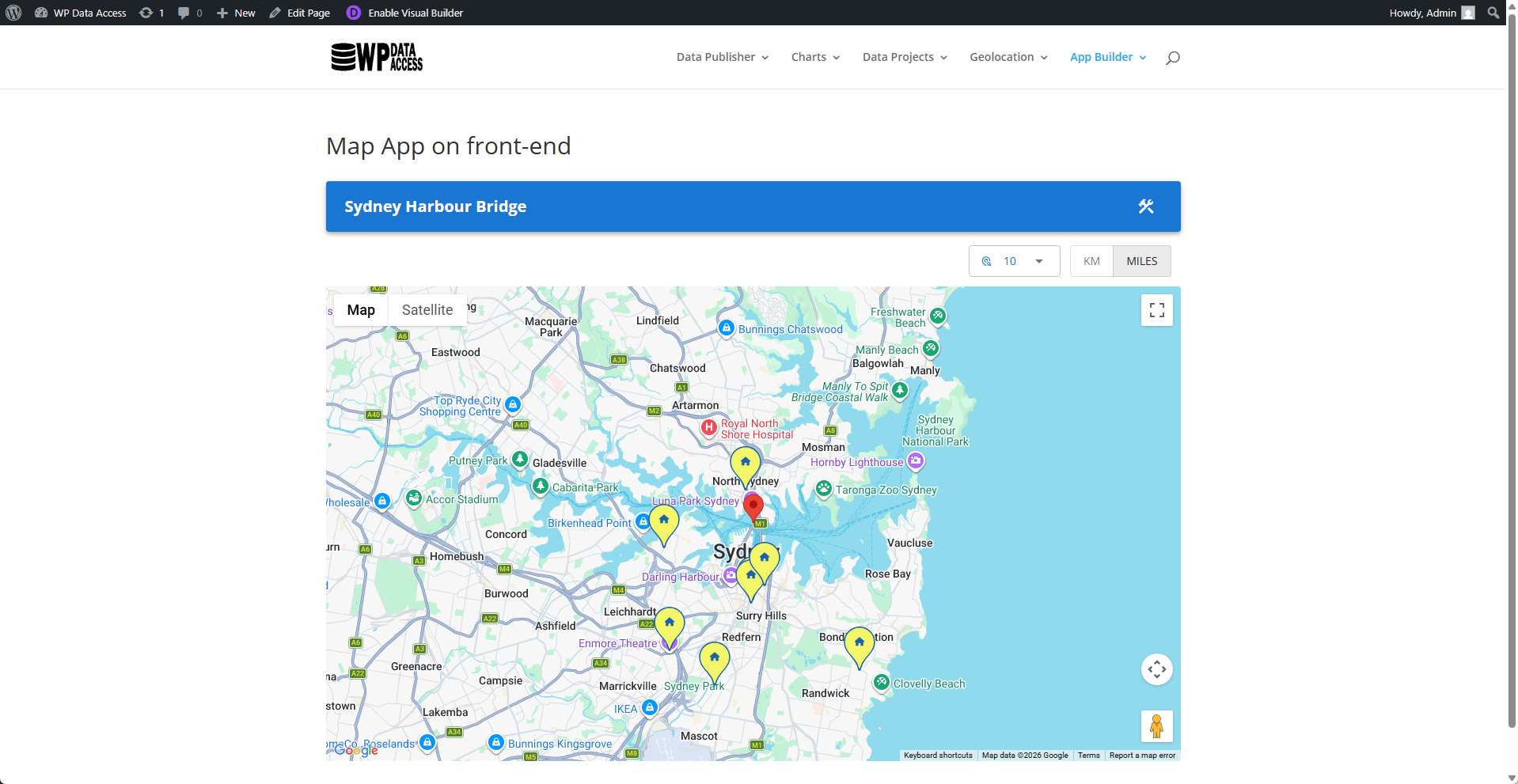
Map Builder
Build powerful location-based features with Google Maps. Drive map data directly from your queries, let users adjust search radiuses on the fly, and customize every marker's look and content.
Rapid Application Development Life Cycle
- Use the App Wizard to create an app.
- Run and build your app interactively from the App Builder.
- Change your app settings in the App Manager.
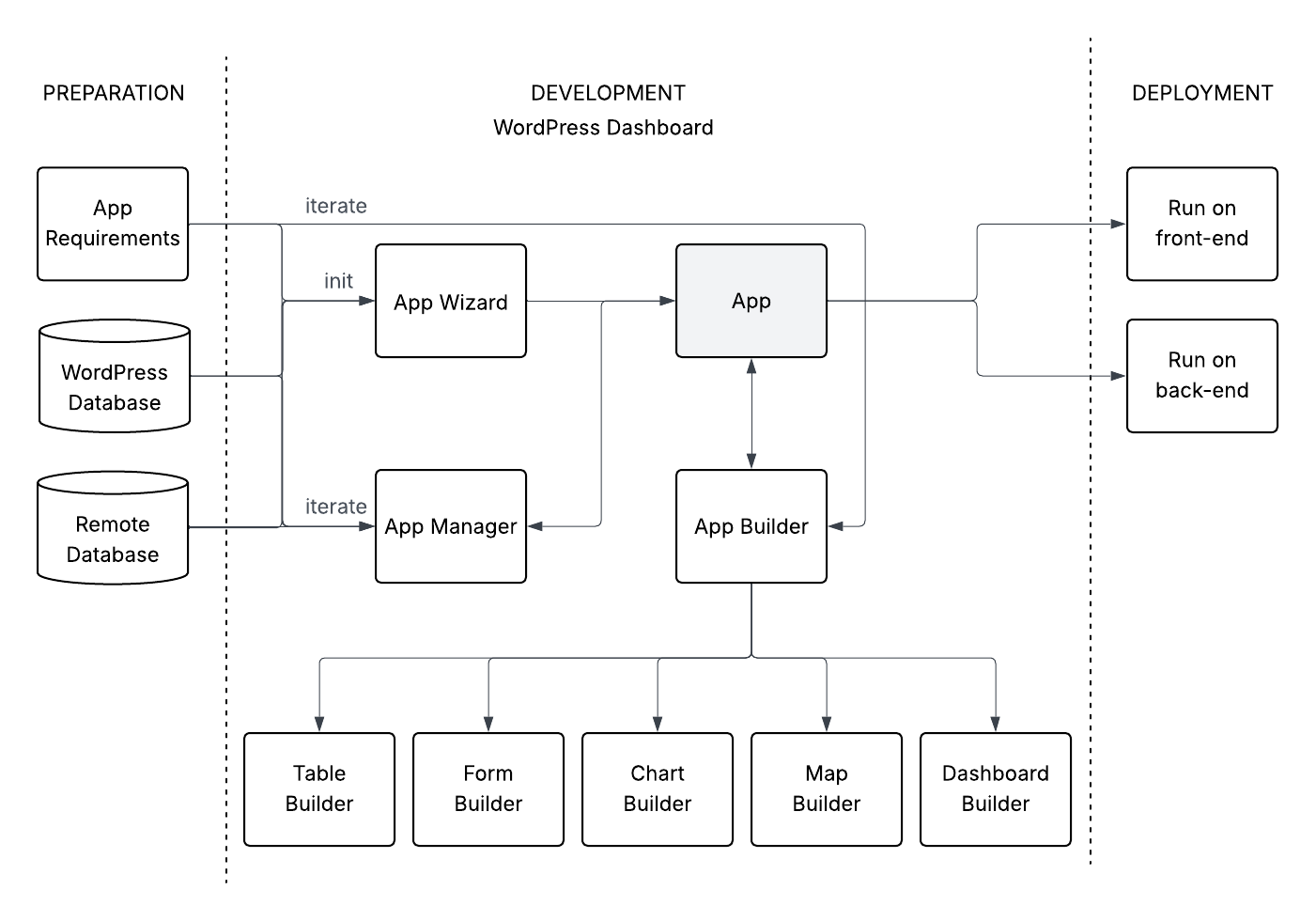
- Shortcodes can be used to embed apps on the front-end.
- Authorized users can access apps on the back-end through the WordPress dashboard menu.