
Demos
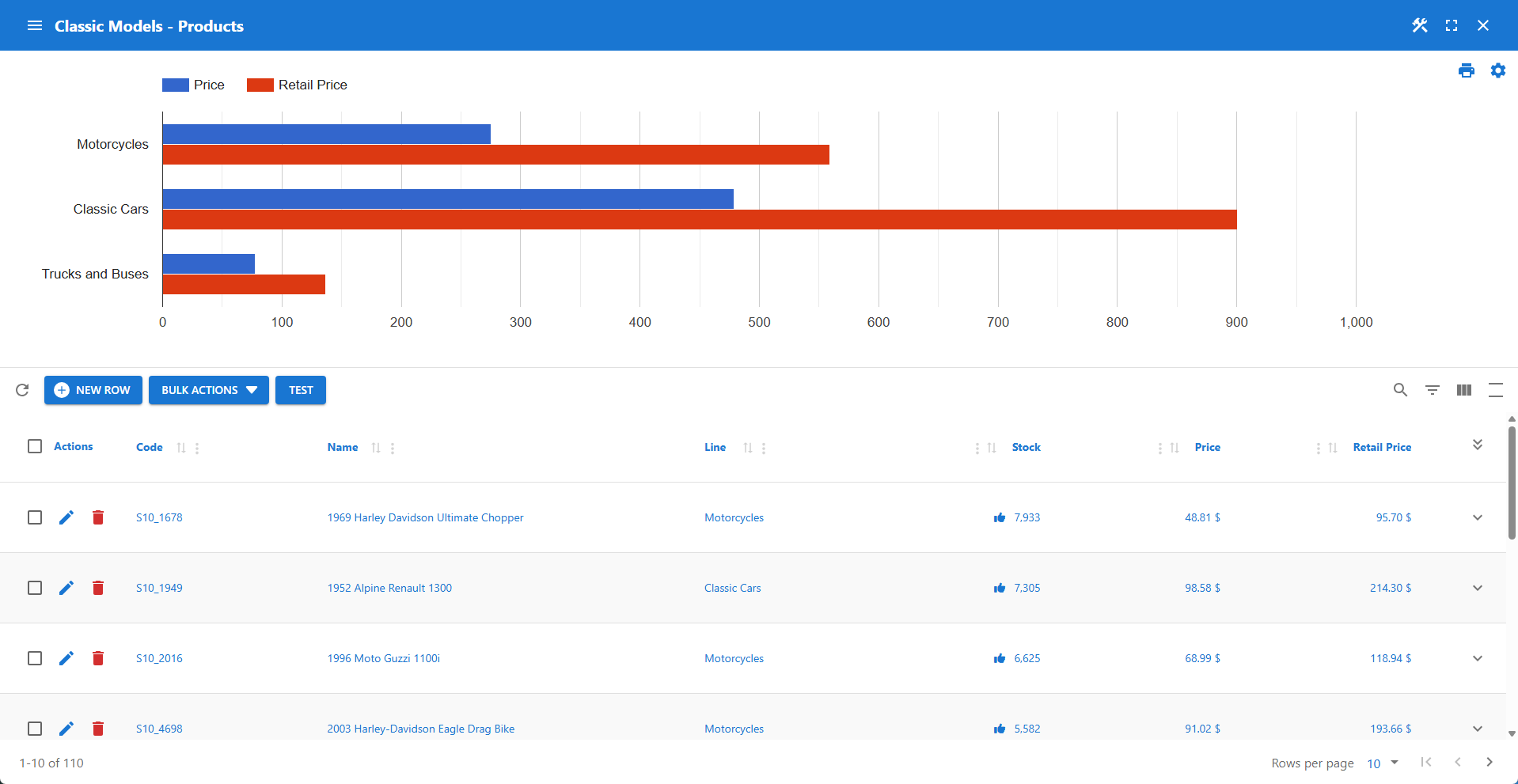
Classic Models
Demo app based on MySQL's Classic Model sample database.
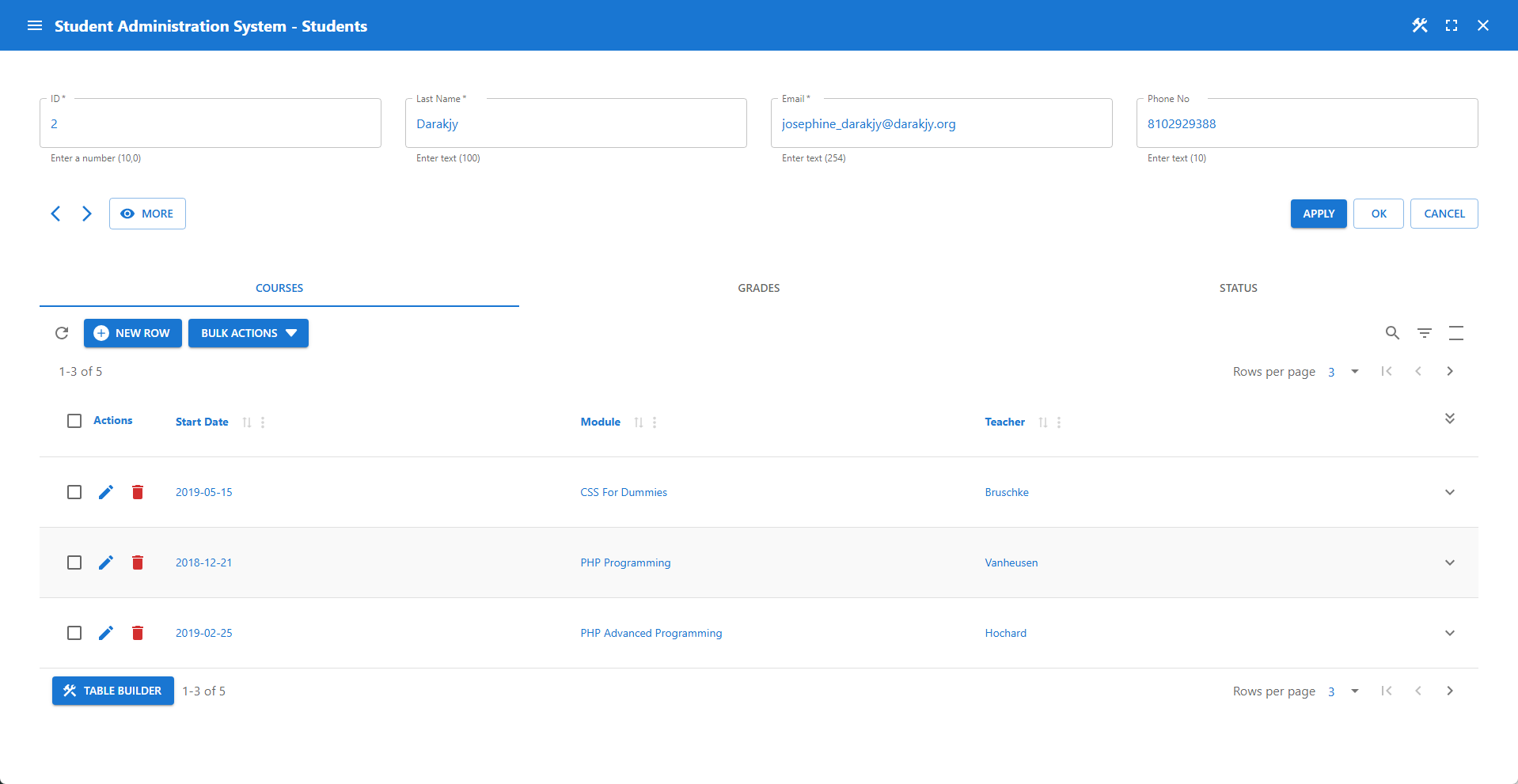
Student Administration System
This demo app showcases the Student Administration System.
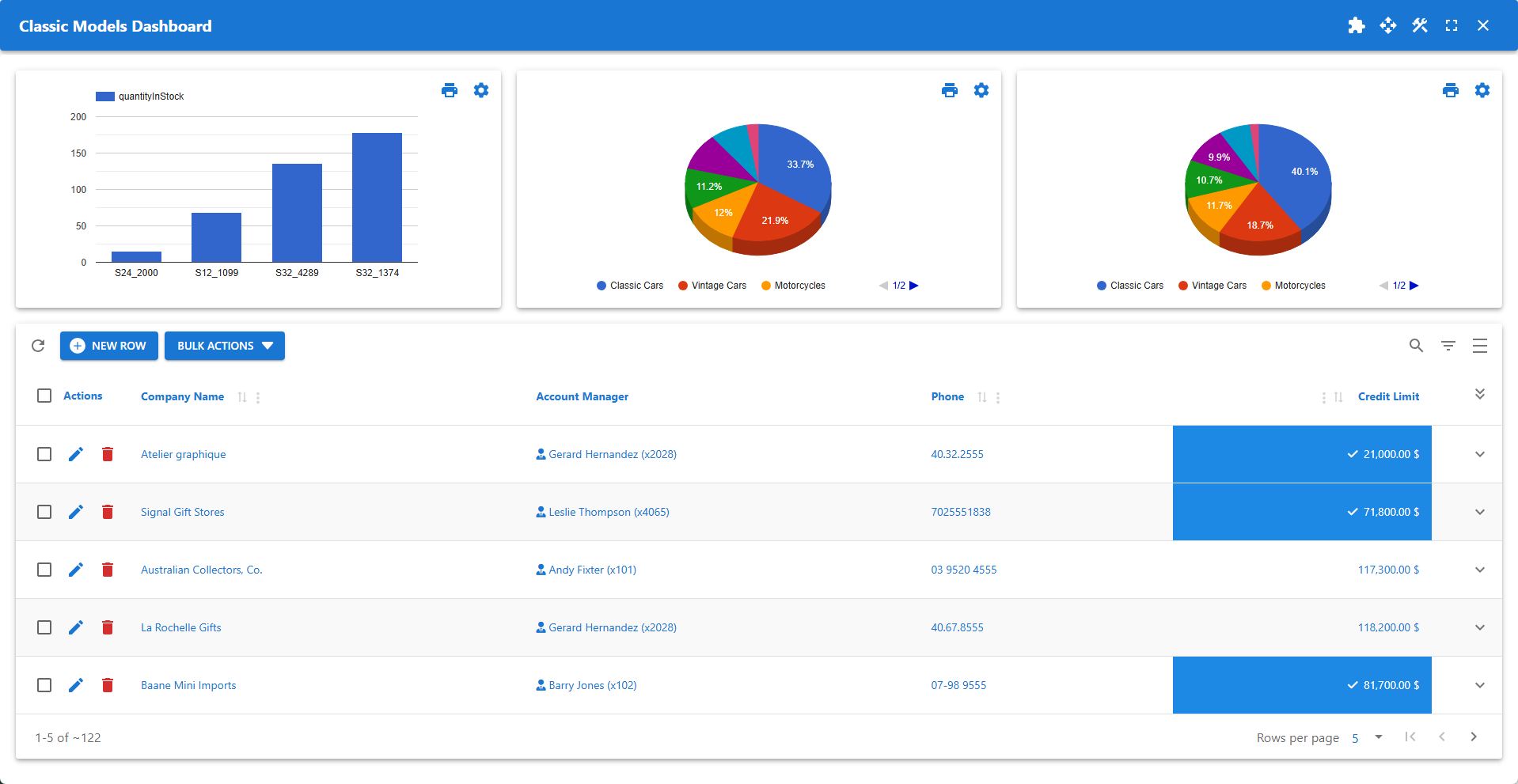
Dashboard With Table & Charts
Dashboard presenting customer data, stock, orders, and revenues.
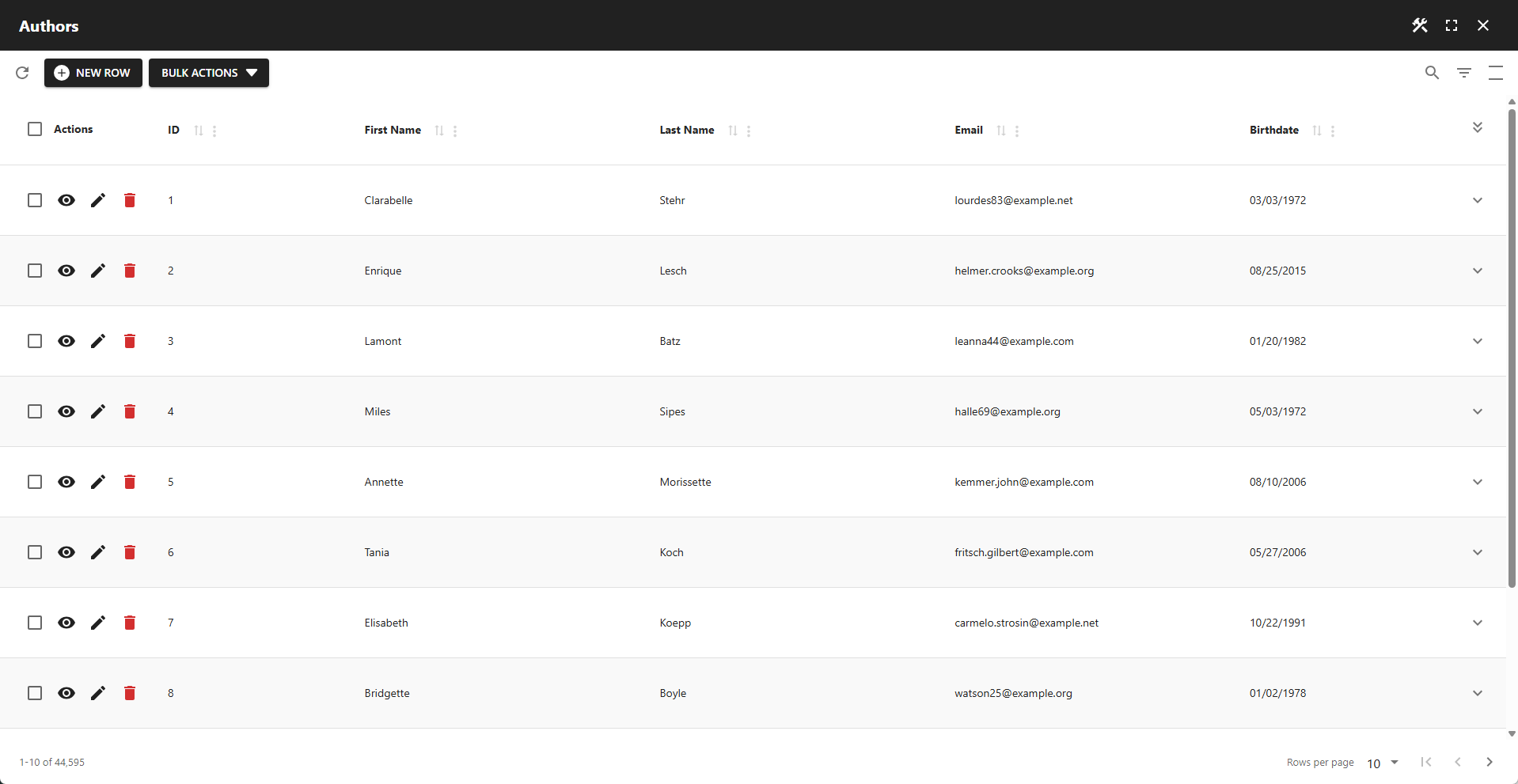
Standard Data Table
A simple table highlighting the core features of a data table app.
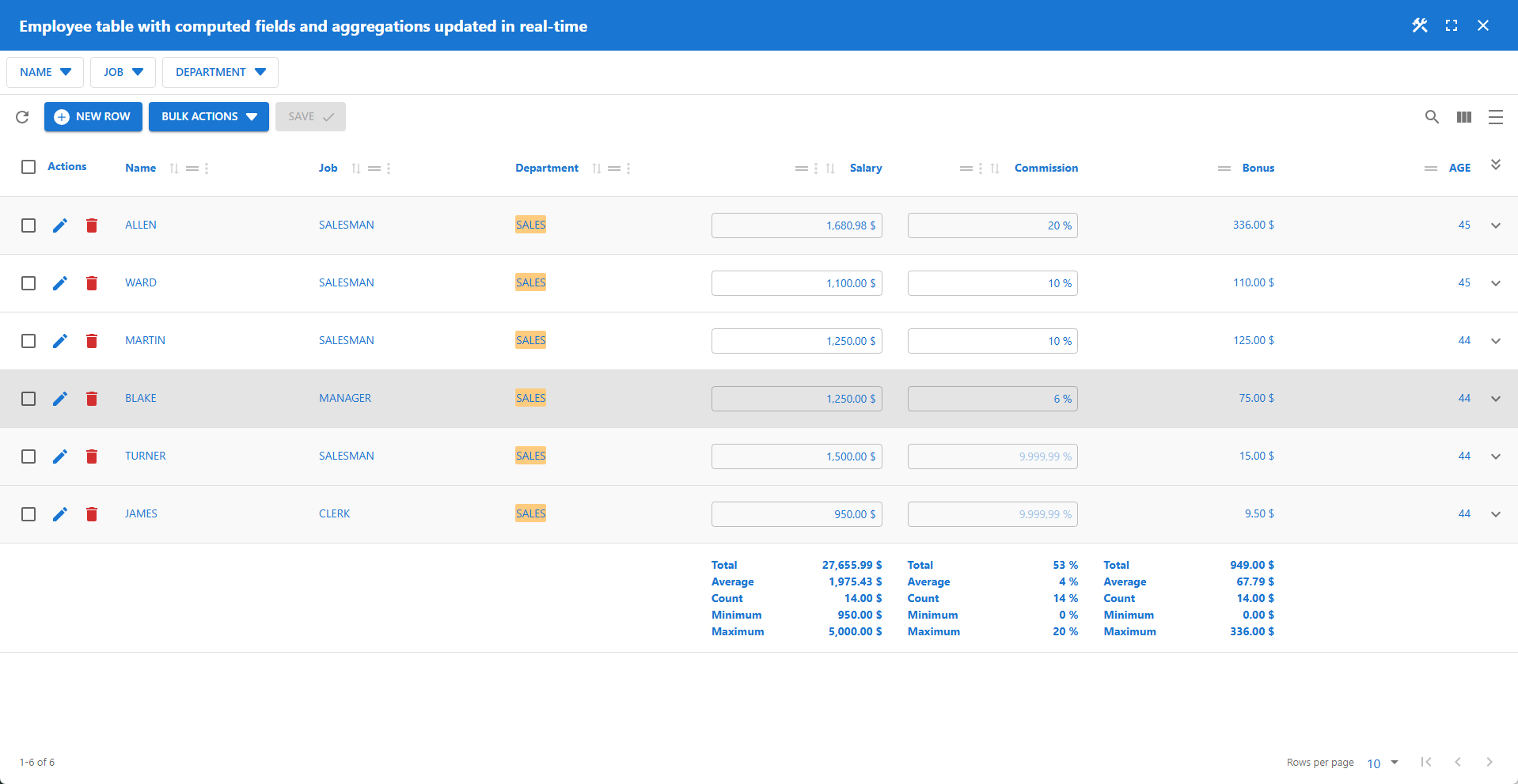
Interactive Aggregations
Features Excel-like field entry with real-time calculations and aggregations.
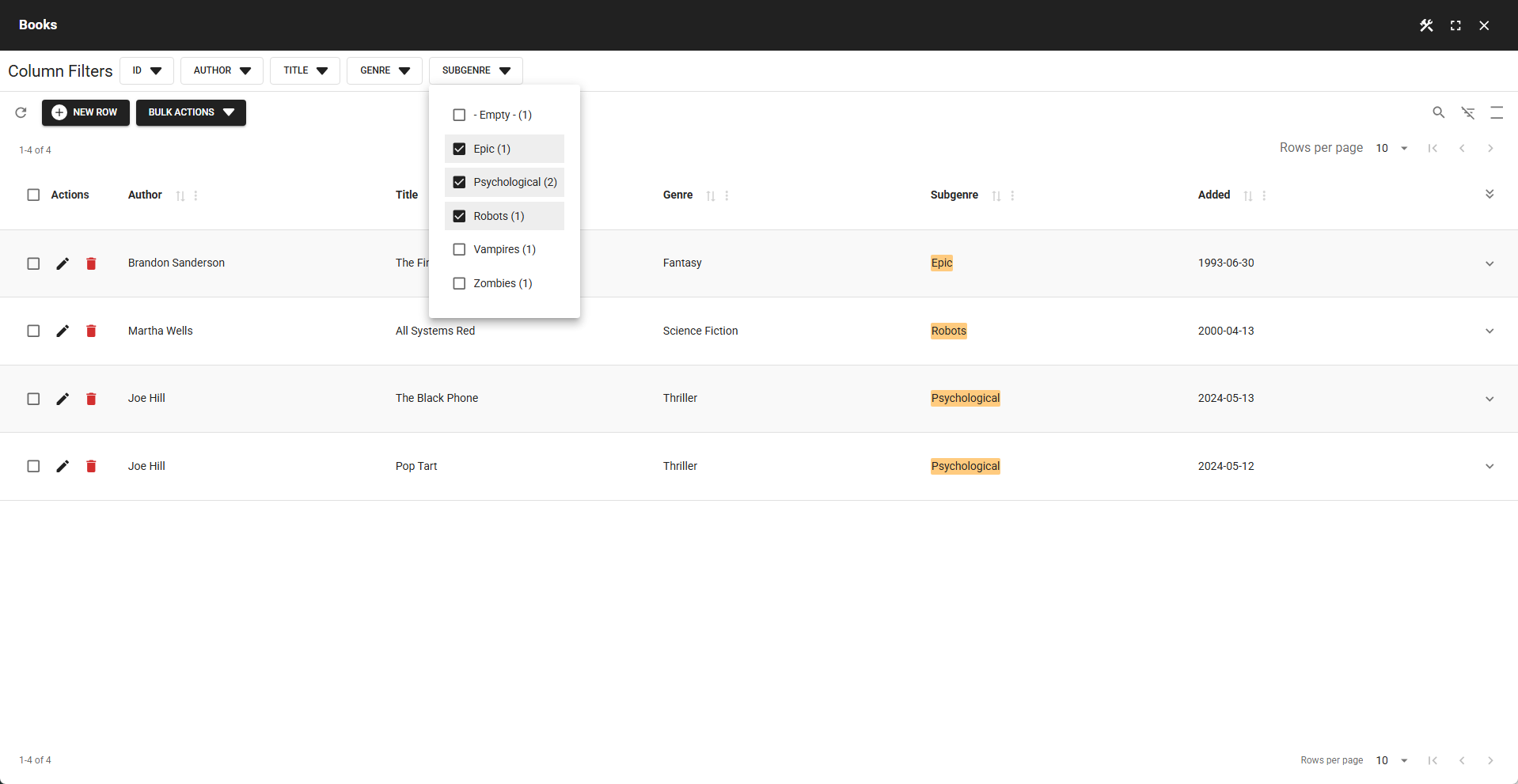
Compact Column Filters
A data table with compact column filters displayed above the table.
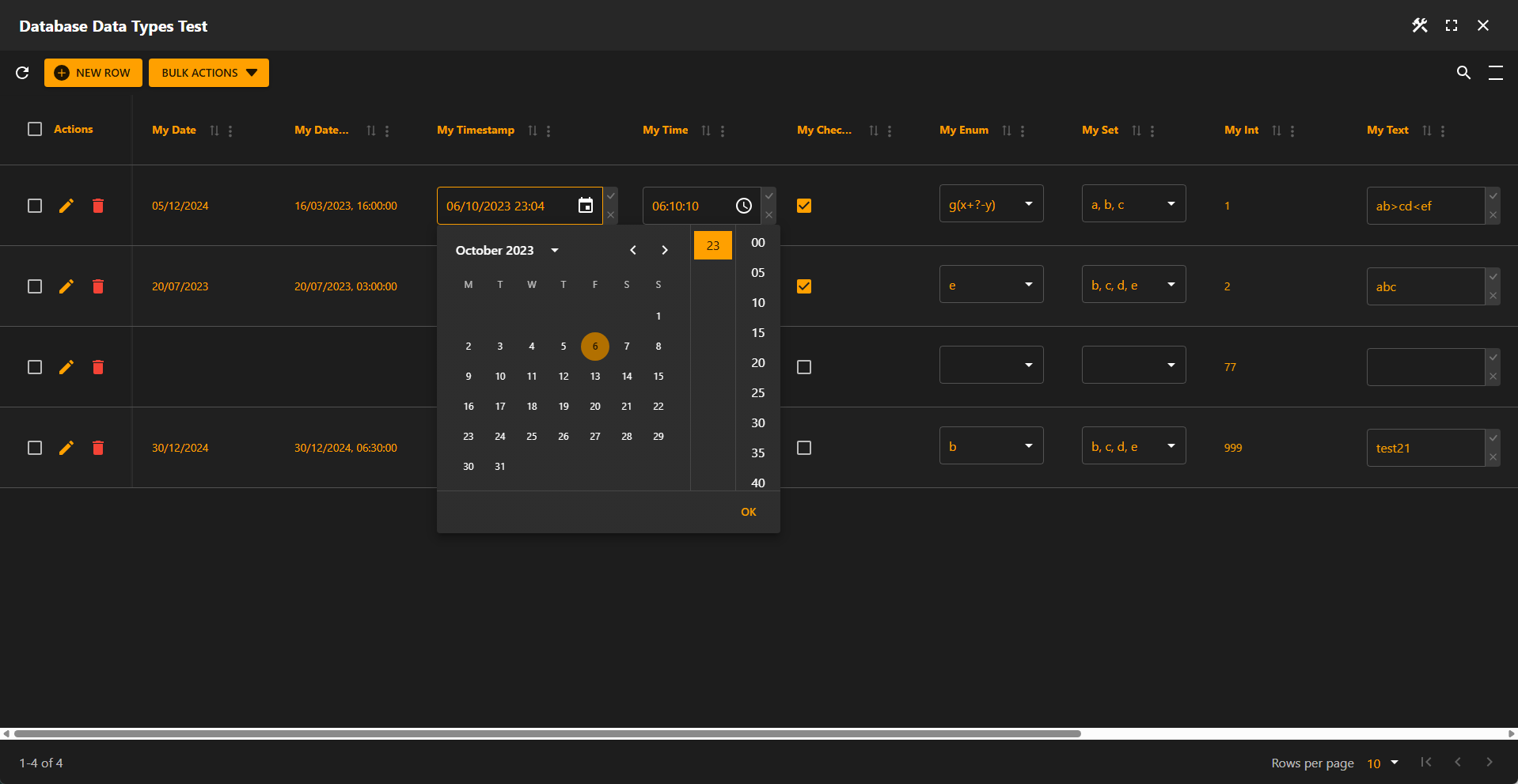
Excel-Like Editing - Dark Mode
Supports Excel-like editing for all available database column types.
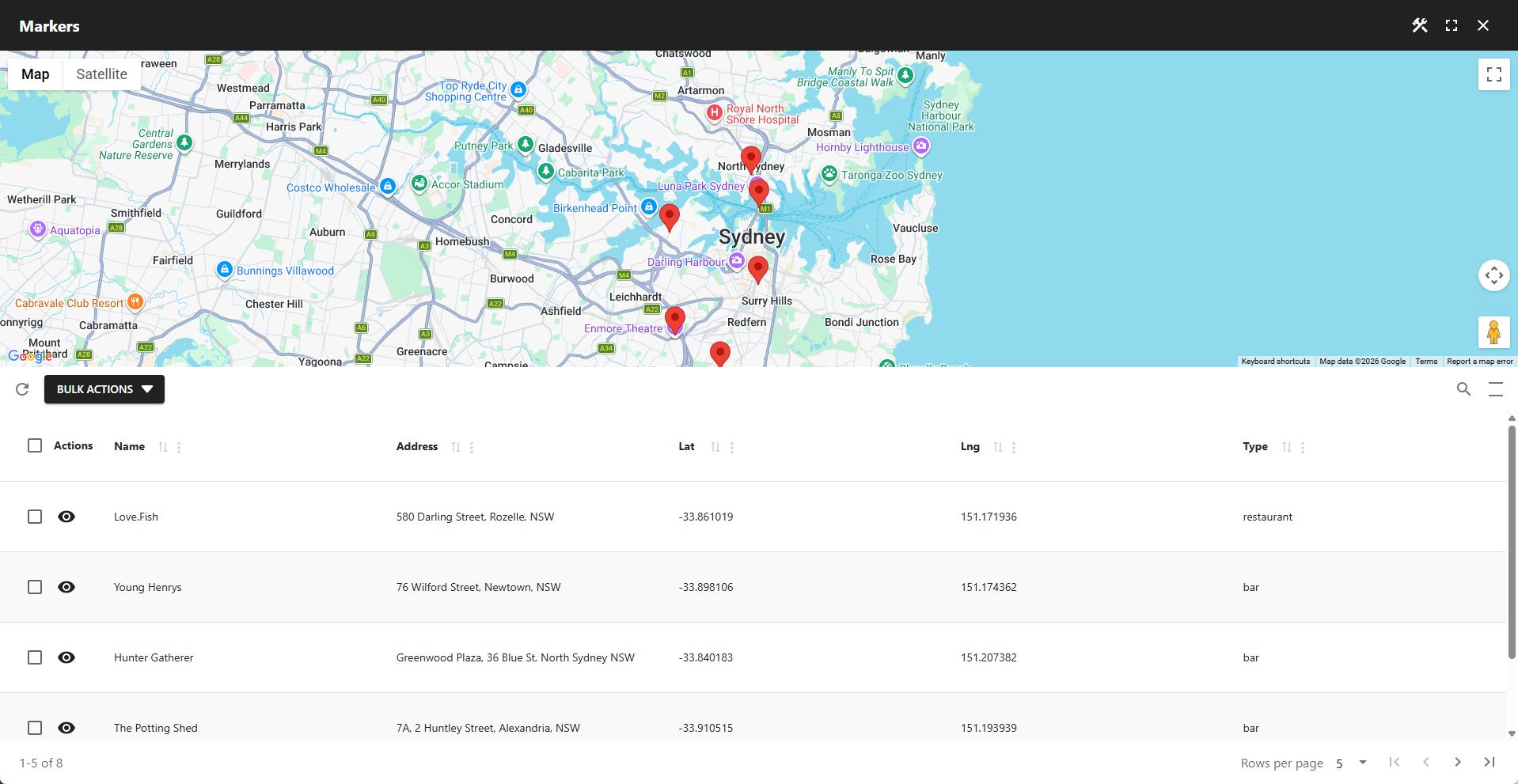
Location Data With Map
A data table with an embedded map based on location data from the markers table.
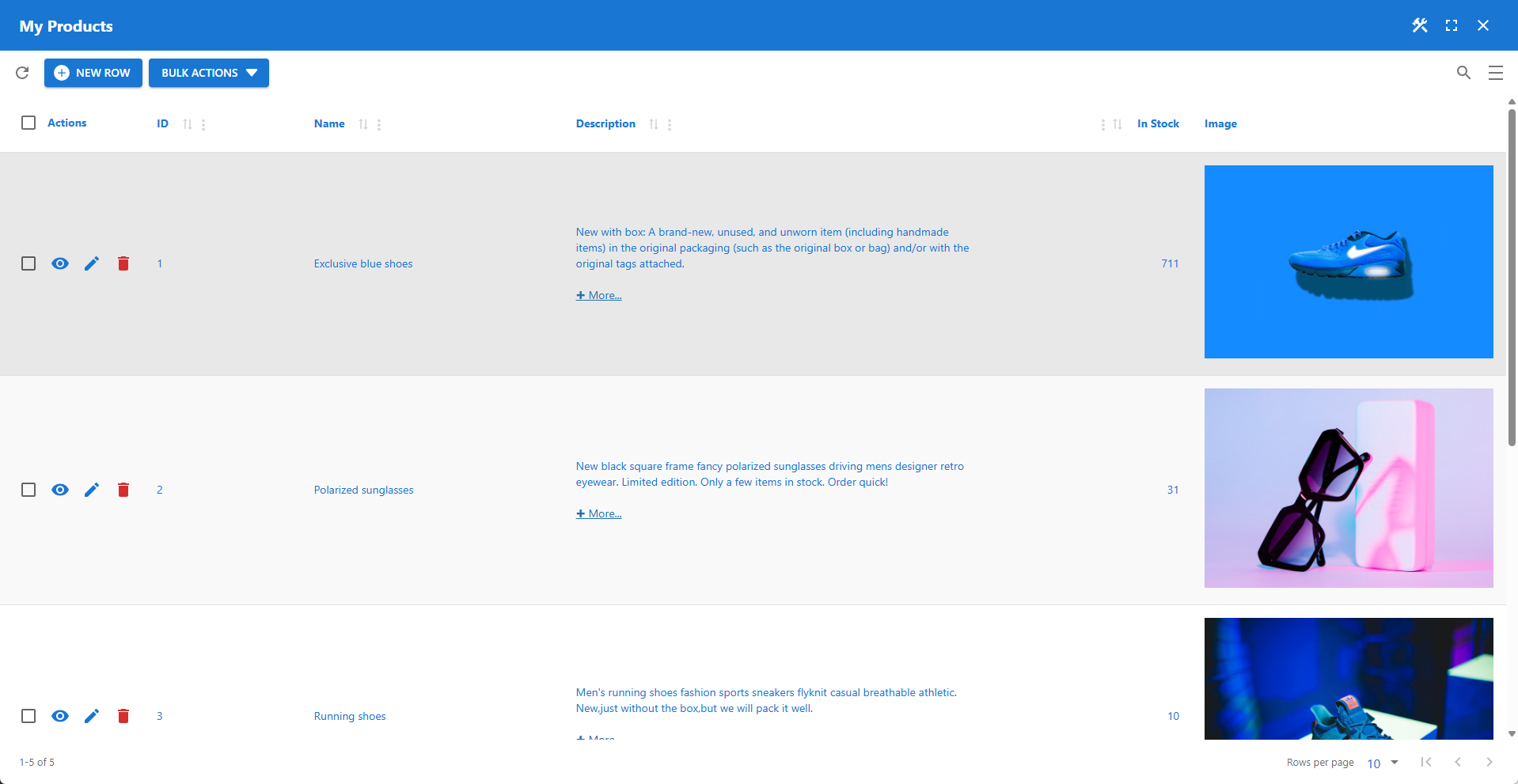
Using Media
A simple data table using image URLs instead of the WordPress Media Library.
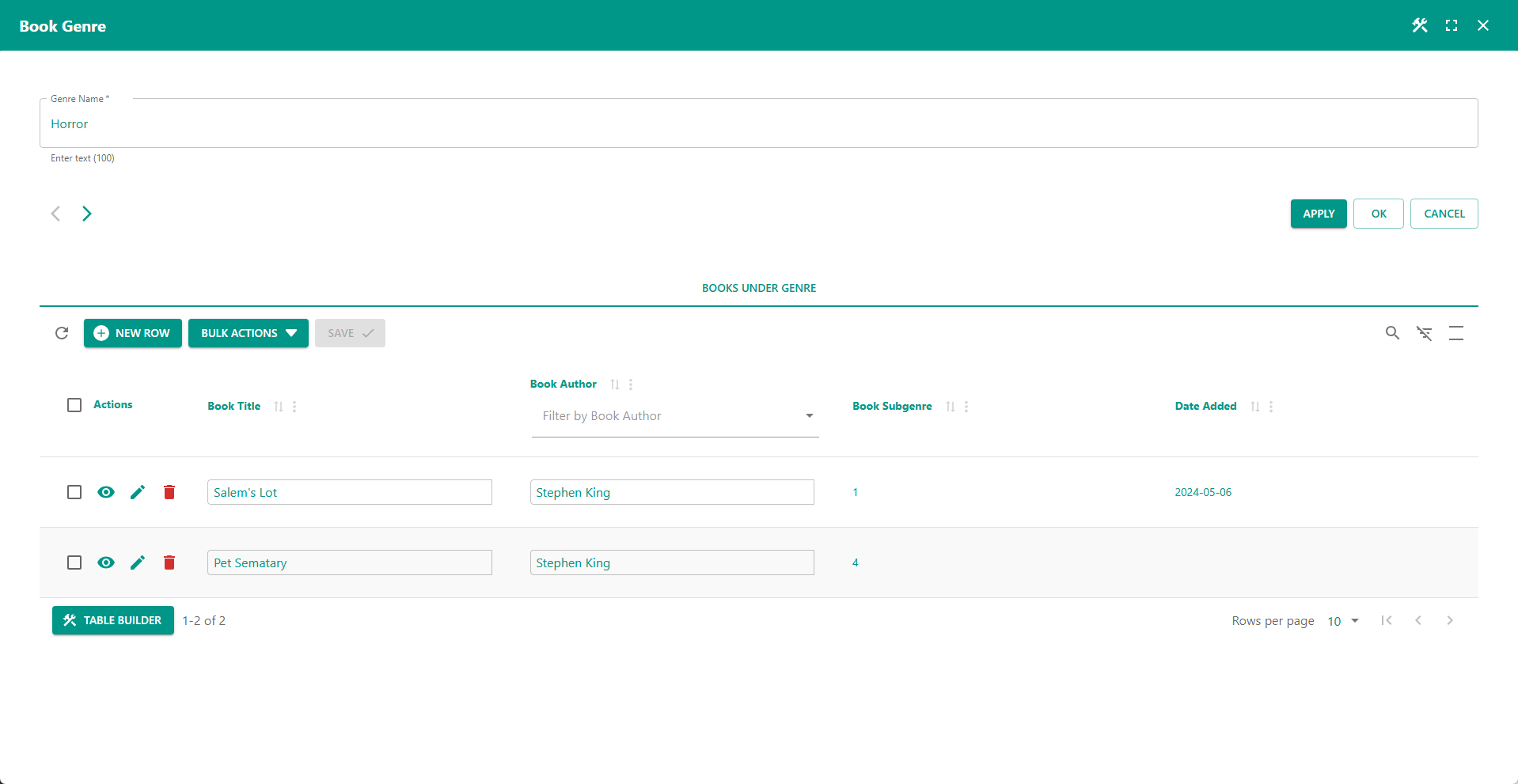
Advanced Detail Table
Groups books by genre using column filters for the detail table, with Excel-like editing.
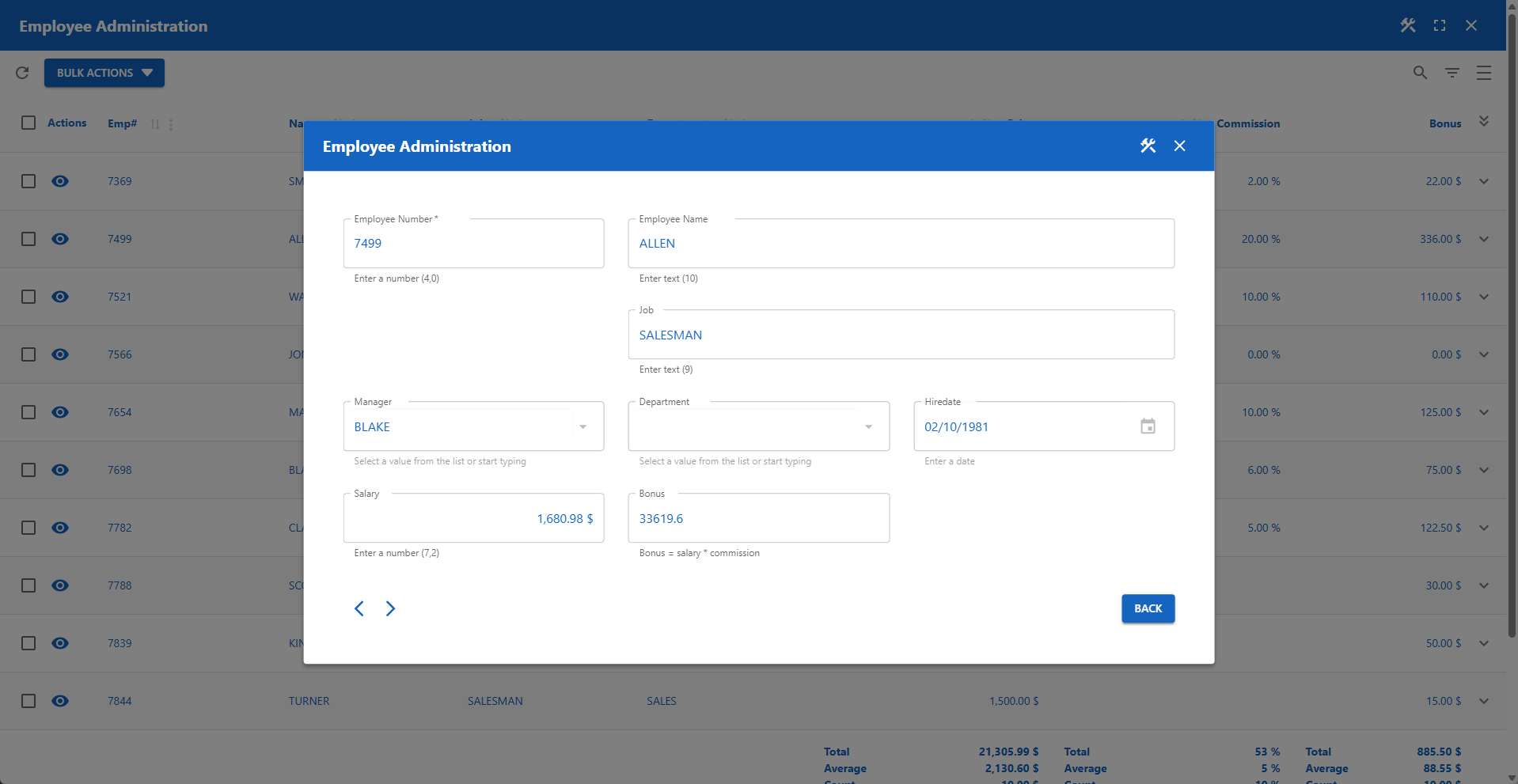
Modal Form
Opens a modal form when the user clicks the view icon button.
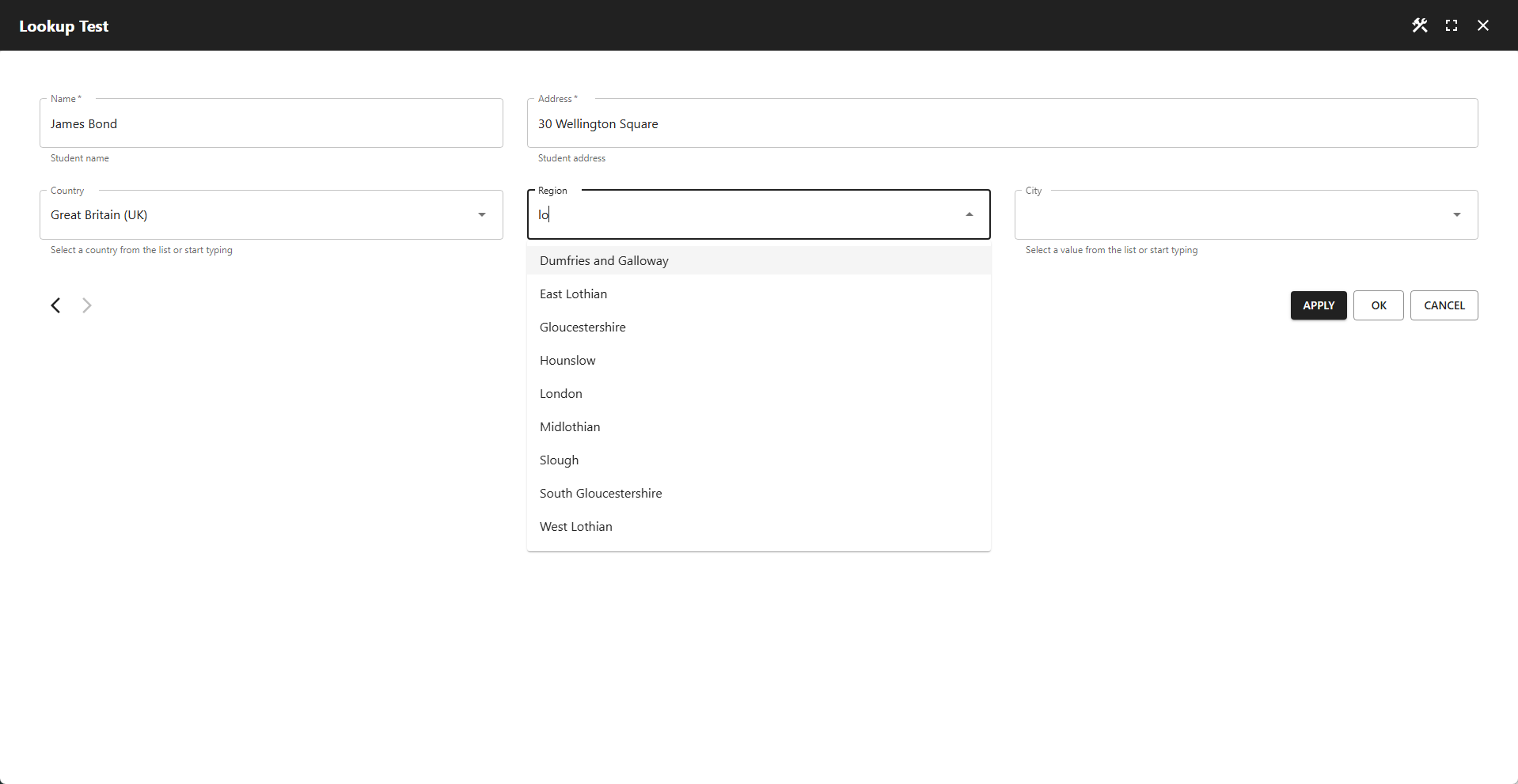
Conditional Lookups
Lookups that depend on each other (or on other column values).
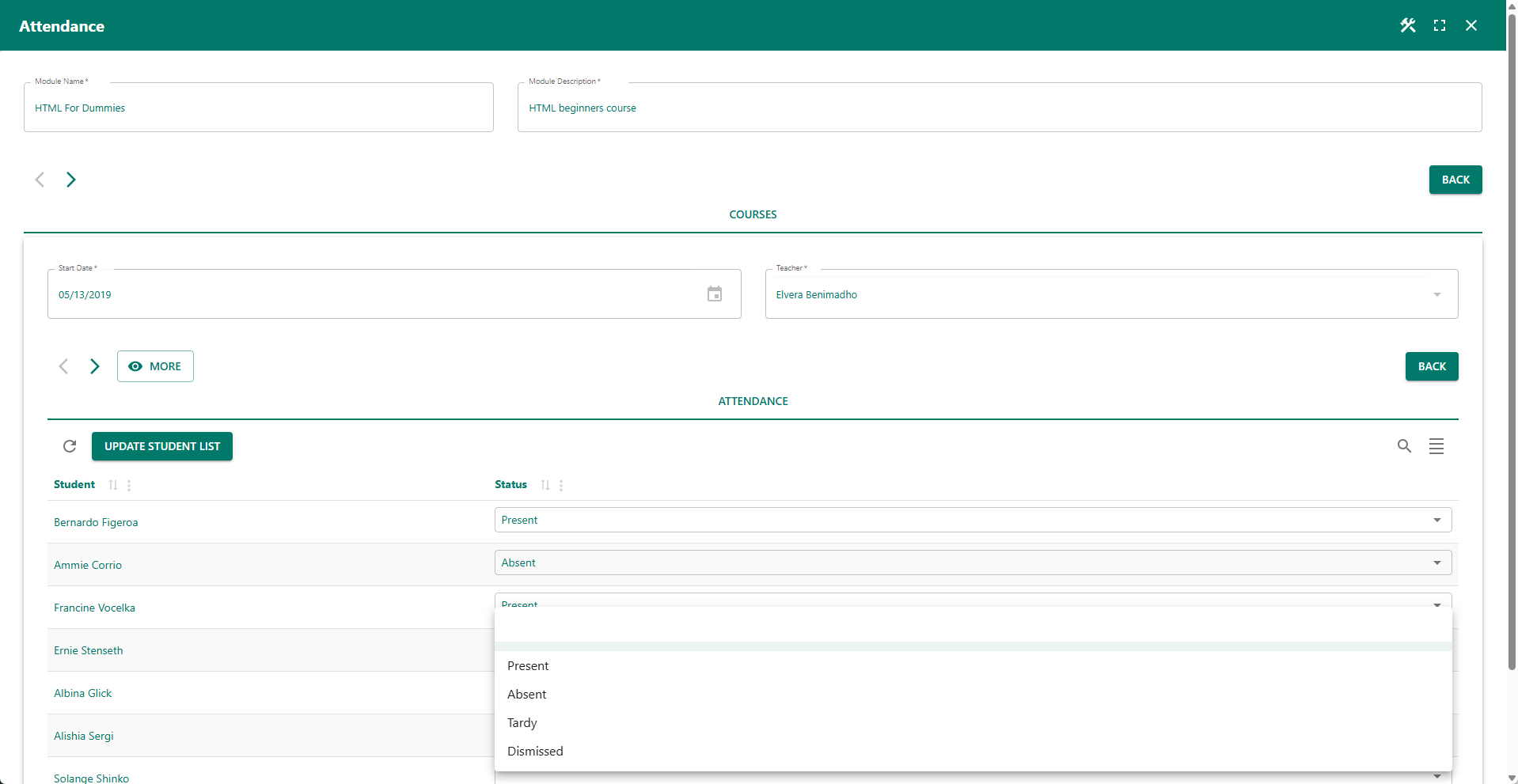
Advanced Custom Form
A complex student attendance form with server-side pre‑fill and inline updates.
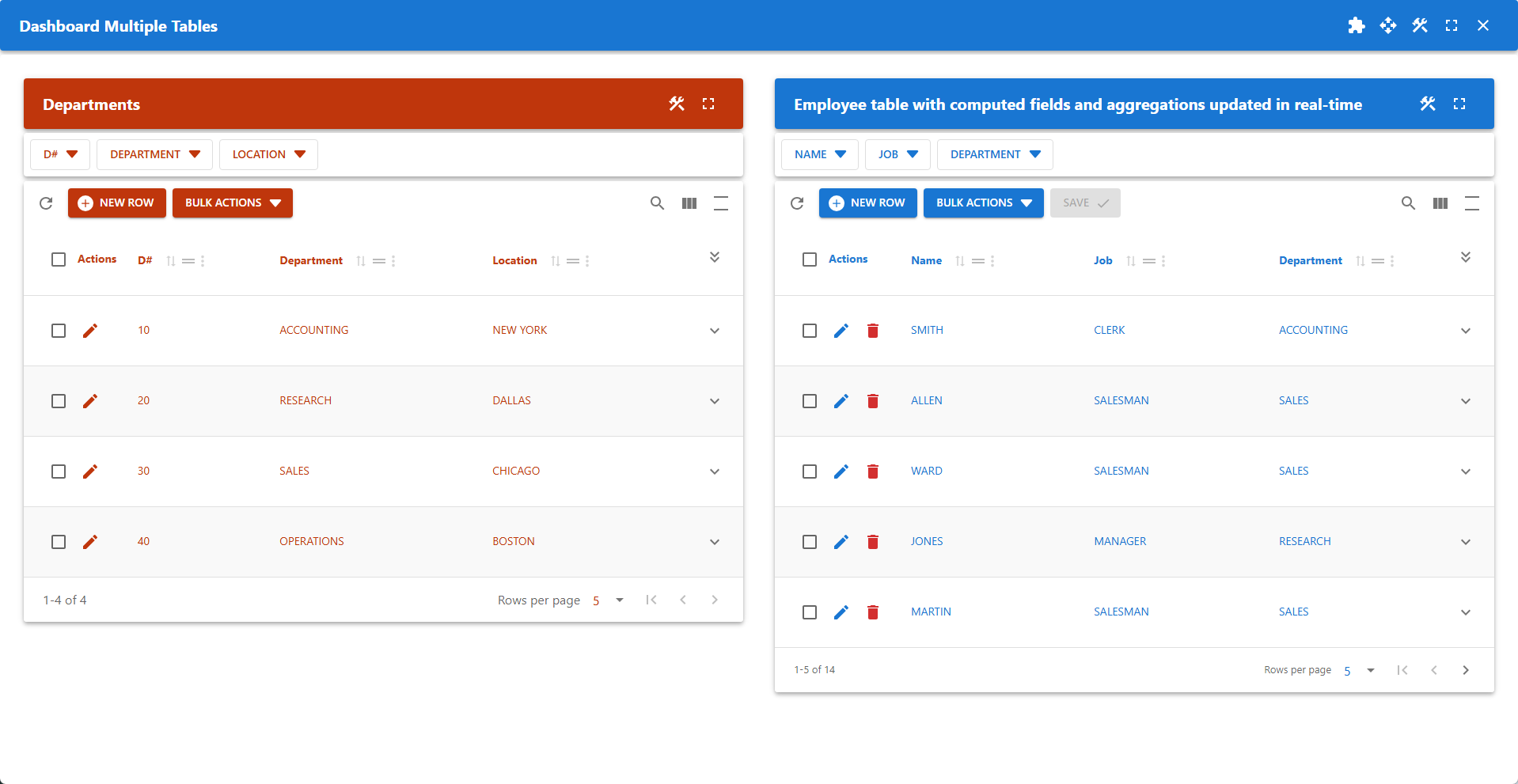
Dashboard With Multiple Tables
The dashboard and widgets can be displayed in full‑screen mode.
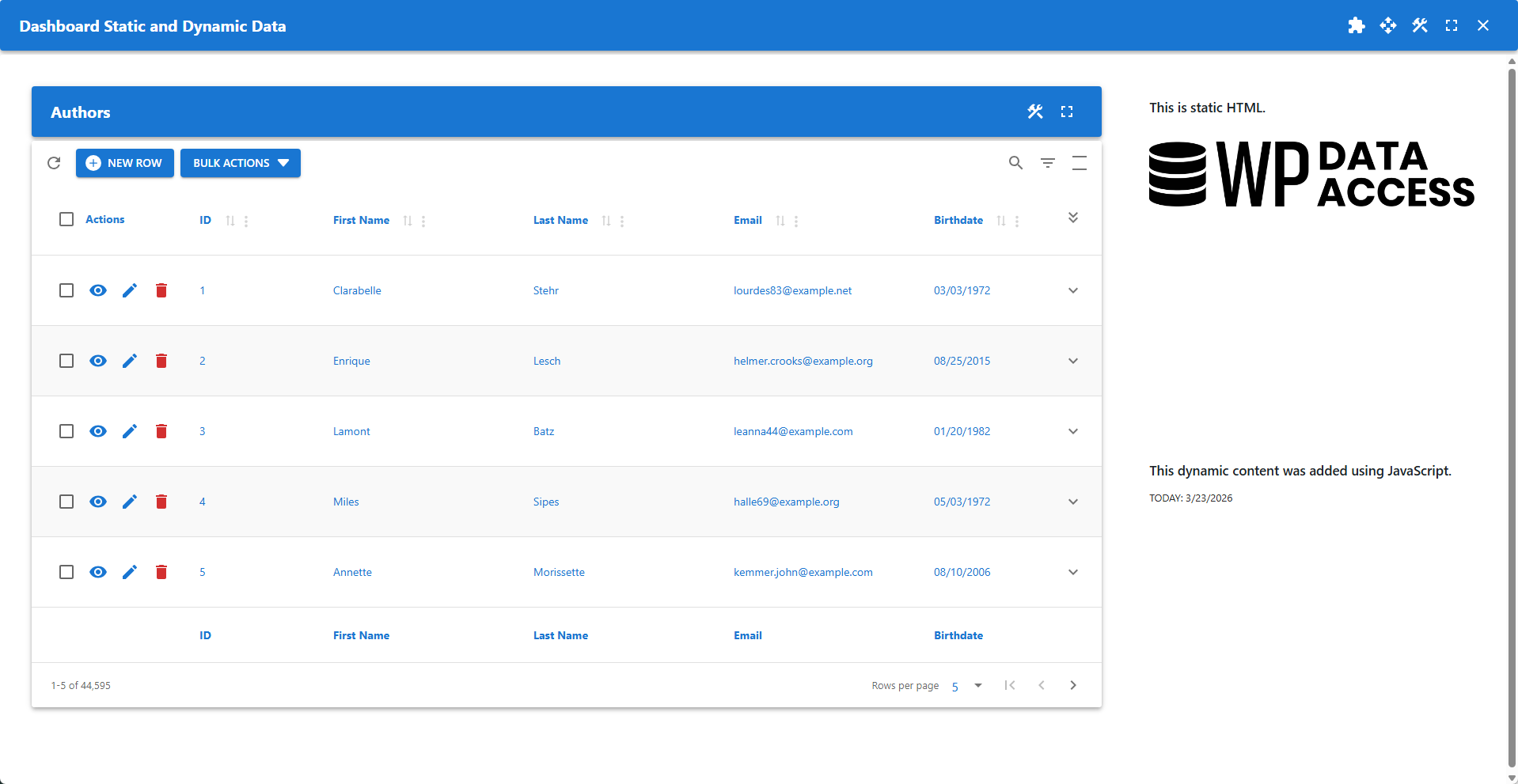
Static and Dynamic Content
A dashboard combining static and dynamic data with programmatic content.
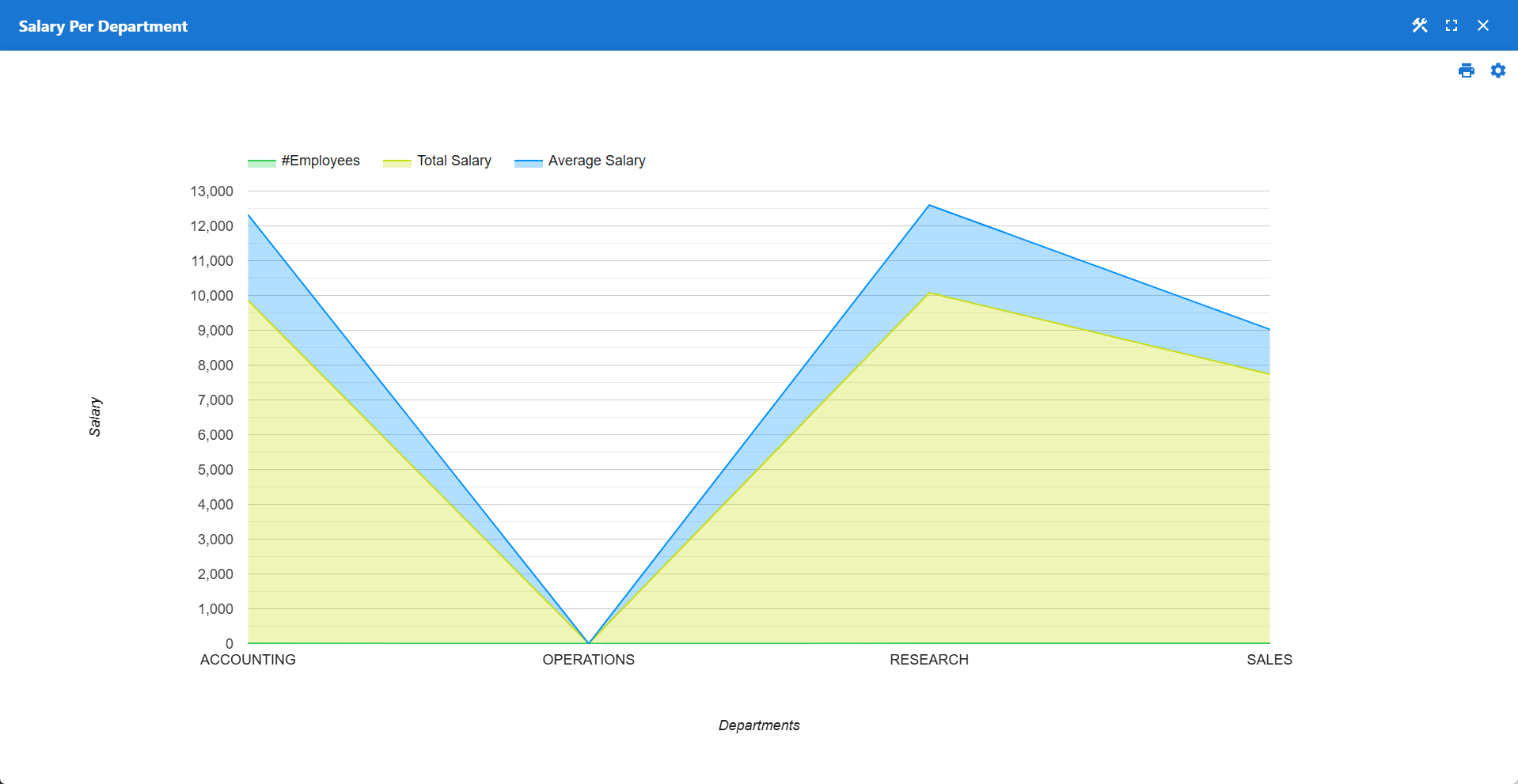
Salary Per Department
Initially displays a stacked area chart. Use the settings icon to change the chart type.
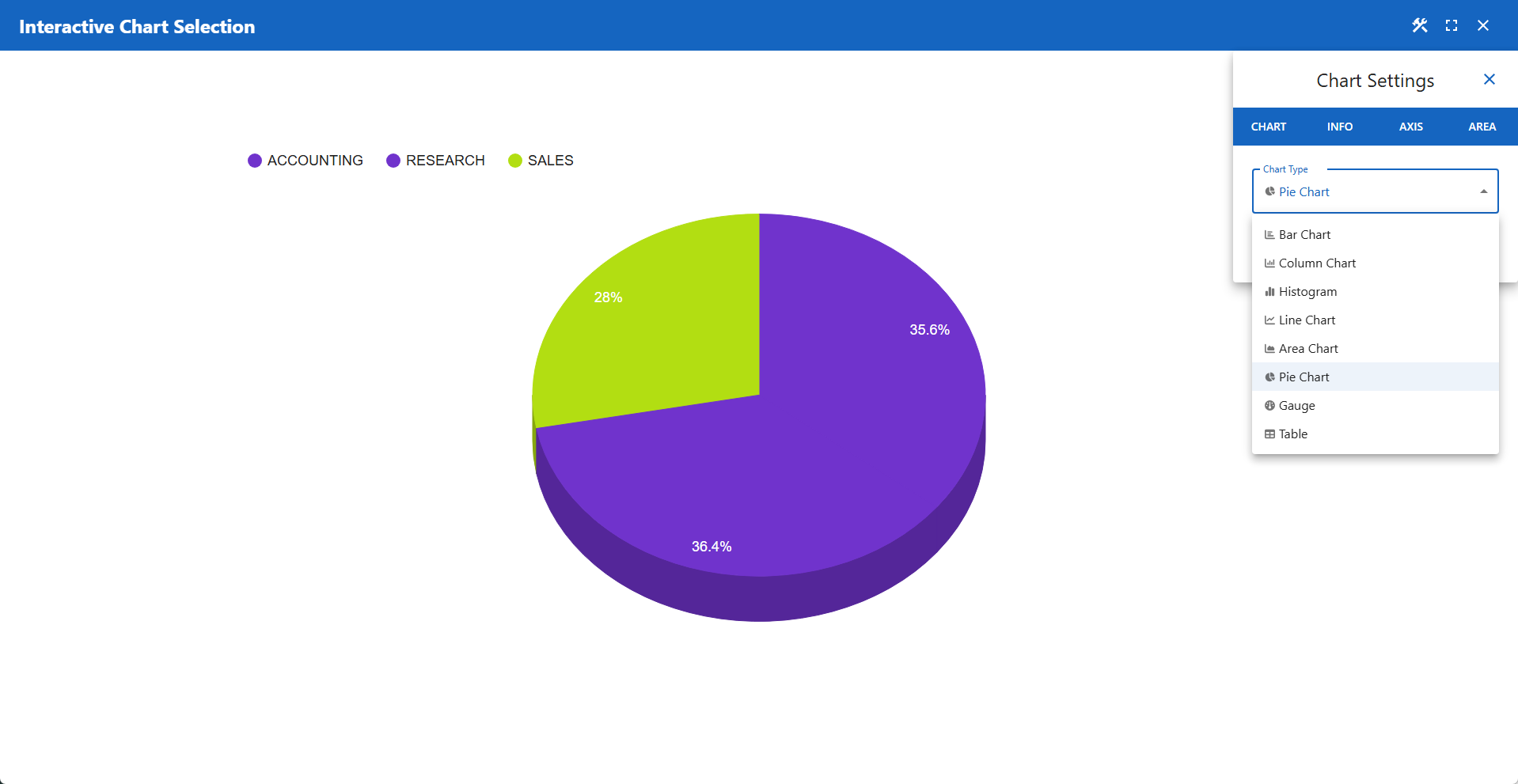
Interactive Chart Selection
Initially displays a 3D pie chart. Use the settings icon to change the chart type.
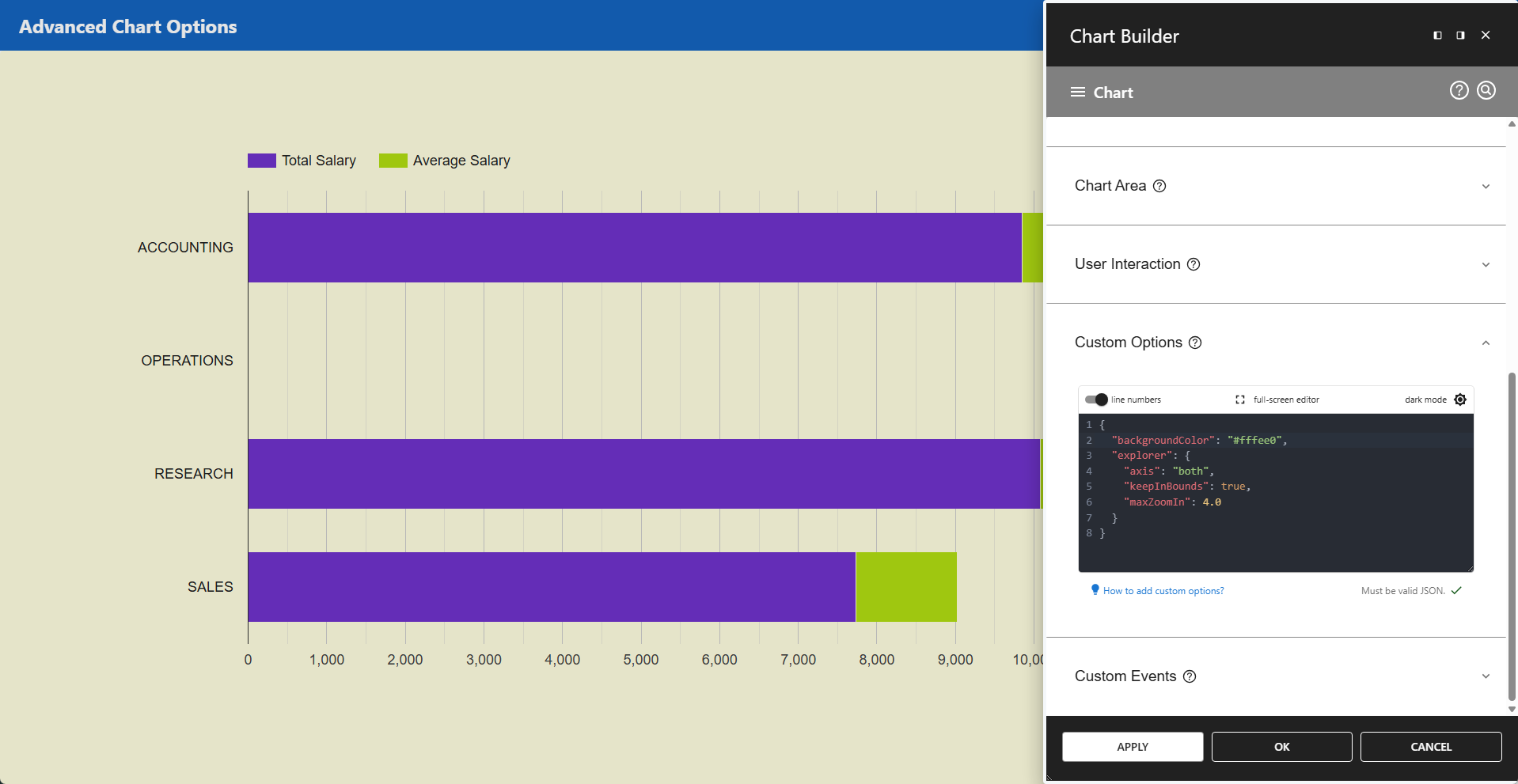
Advanced Chart Options
A chart using advanced custom options to modify Google Maps default settings.
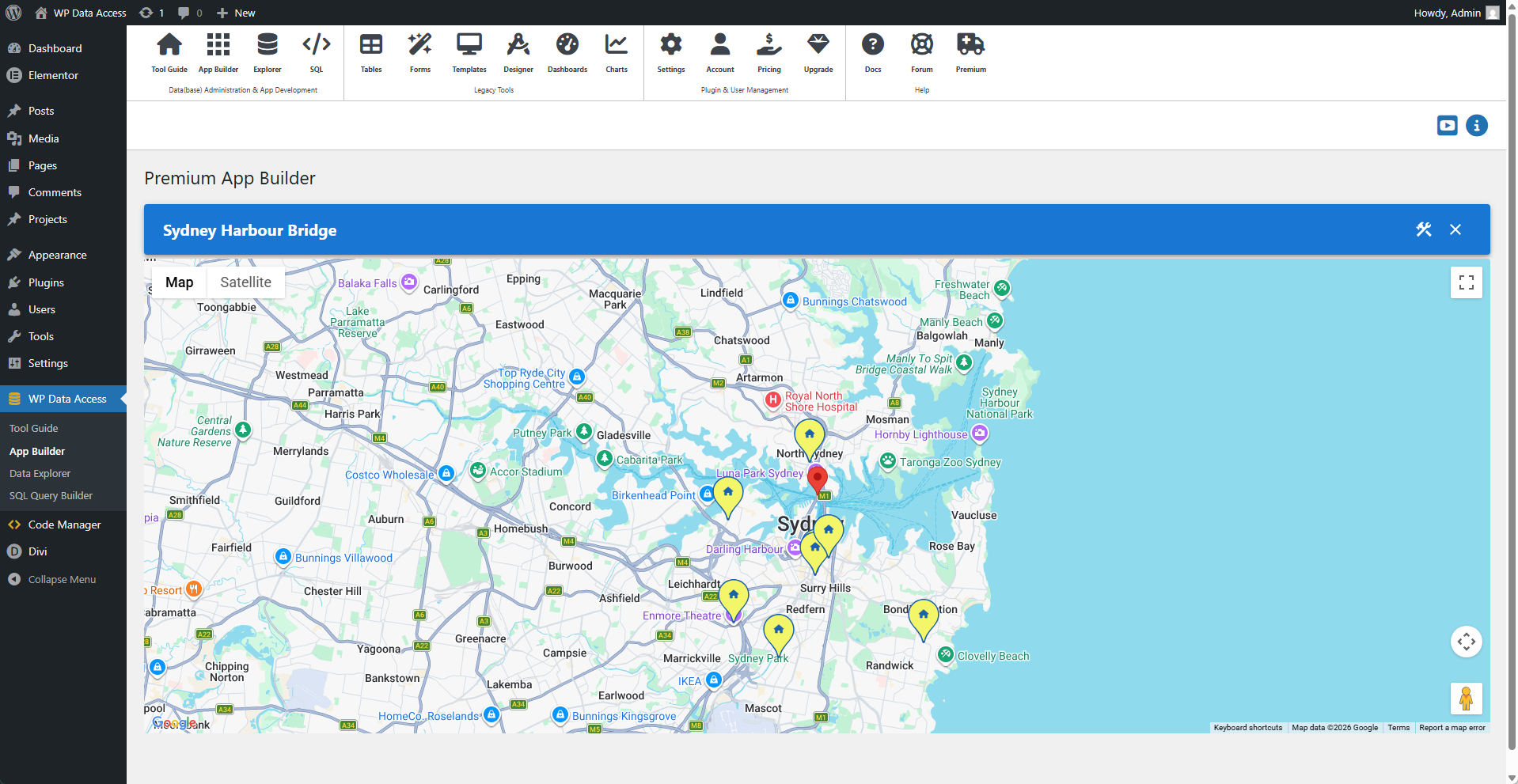
Sydney Harbour Bridge
This map is built by querying location data from the markers table.
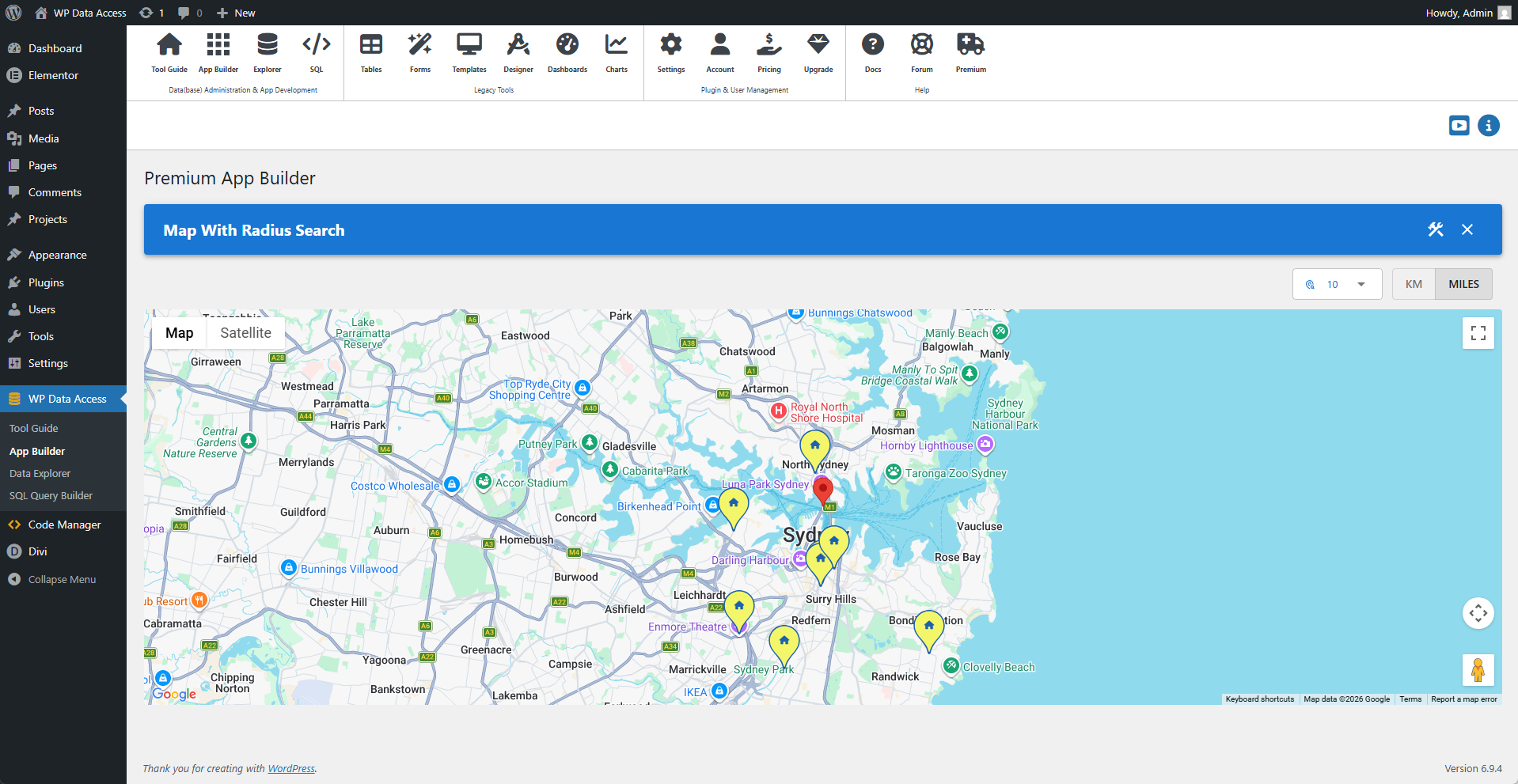
Map With Search Radius
This demo map lets users adjust the search radius on the fly.